Need help? Call us:

+33 6 81 47 85 63

No products in the cart.

Industry standard for professional DTF printing

CADlink Digital Factory 11

Lifetime License

CADlink Digital Factory 11 is a professional RIP software solution built specifically for Direct-to-Film (DTF), Direct-to-Garment (DTG), UV, and specialty printing. Designed for print shops, apparel decorators, and production businesses, it delivers exceptional color accuracy, intelligent workflow automation, and powerful print management tools to maximize productivity.

With advanced RIP technology, CADlink Digital Factory 11 helps you produce vibrant colors, precise white ink layers, optimized gang sheets, and high-quality prints while reducing production time and minimizing ink consumption.

Instant digital delivery
Lifetime activation
No subscription
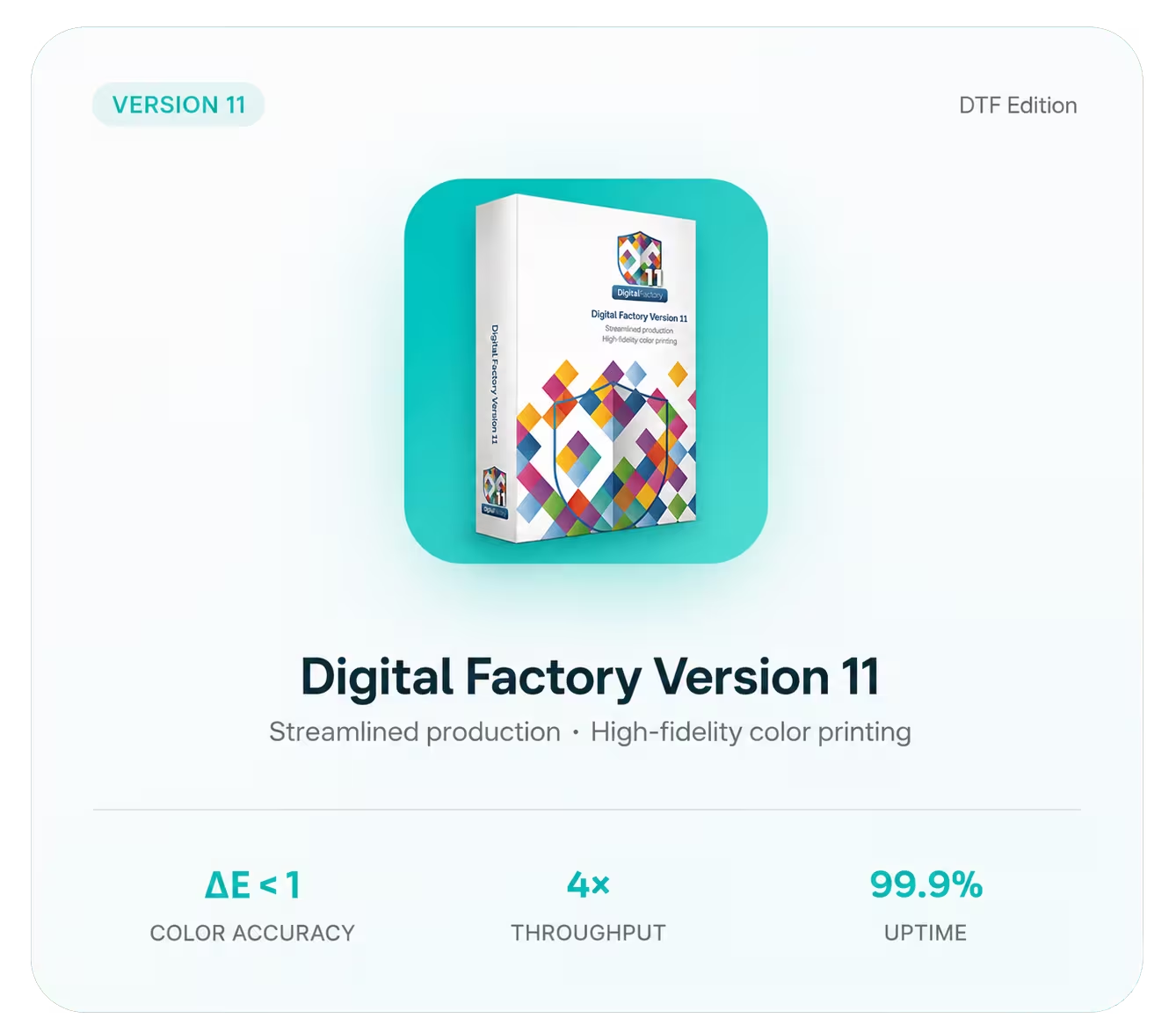
Cadlink Digital Factory 11 dtf
Instant Delivery

1-30 min delivery

No Extra Charges

One-time payment

Safe Payments

Secure checkout

24/7 Support

Always here to help

Why CADlink

Why Choose CADlink Digital Factory 11?​

CADlink Digital Factory 11 is trusted by professional printing businesses because it combines speed, reliability, and outstanding print quality. Its intelligent production workflow reduces manual work while maintaining consistent color accuracy across every print job.

Whether you’re producing custom apparel, DTF transfers, promotional products, or commercial printing projects, Digital Factory 11 provides the tools needed for efficient, high-volume production with professional results.

Advanced Color Management & White Ink Control

Achieve precise color accuracy with professional-grade ICC profiles and advanced white ink optimization.

Automated Production Tools for High Volume

Auto nesting, gang sheets, variable data, and job sorting for maximum efficiency.

Powerful RIP Technology for Consistent Quality

Industry-leading processing speeds and halftone control for demanding production.

Purpose-built for Direct-to-Film (DTF) Printing

Optimized workflows specifically engineered for DTF printers and processes.

Professional-Grade RIP Engine

Industry-leading processing speeds and halftone control for the most demanding environments.

Instant Activation

Receive your genuine license key within minutes and start printing immediately.

DTF Edition

CADlink Digital Factory 11

DTF Edition

The world’s most powerful DTF RIP software.

In Stock & Ready

Official License

⏰ Hurry up!
 
0 Days
0 Hours
0 Minutes
0 Seconds
Cadlink Digital Factory 11
Compatibility

Printers Compatible with Cadlink v11​

Explore the wide range of DTF, DTG, UV, and specialty printers compatible with Digital Factory 11. Check supported printer models and ensure seamless integration for reliable performance, accurate color reproduction, and professional-quality printing.

Epson SureColor 8550 (Epson 8550)
Epson SureColor F2100 Series NEW
Roland DG Series (models compatible via driver)
Mimaki UJF Series HOT
Ricoh Ri 1000 / Ri 2000
Brother GTX / GTX Pro
DTG M2 / M6 Industrial Series
Any printer supported via Cadlink driver set
Printers Compatible with Cadlink v11​
Trustpilot

What our customers are saying about us

Discover why customers trust CADlink Digital Factory 11 for their DTF printing needs. Read real reviews and experiences from print professionals, small businesses, and production shops who rely on our software, expert support, and lifetime licensing to achieve outstanding print quality and workflow efficiency.

Great Color Accuracy & Speed!

"I'm using the trial version while waiting on my purchase to arrive. The color accuracy is something I haven't seen before—greens, purples, pinks, all coming out almost perfect."

— Sarah M.

Great colour accuracy and "pop"

"I upgraded from v10 to v11 and it's pretty much the same, for what I do anyway. Key praise: colour accuracy, print-speed, and vibrant 'pop' of colours."

— James R.

Worth every penny at work

"We have CADlink Digital Factory v11 at work—small improvements over v10, but still worth every penny. The overall quality makes it essential for our DTF production."

— Maria L.

Specs

System Requirements

Ensure your computer is ready to run Direct-to-film printing (DTF) with optimal performance. Review the minimum and recommended system requirements, including supported Windows versions, processor, memory, storage, and graphics specifications for a smooth and reliable DTF printing workflow.

Operating System

Windows 11 / 10
64-bit (Version 1809 or higher)

cpu

Processor

3+ GHz Processor
Recommended (2.5 GHz Min)

Memory (RAM)

16 GB Recommended
(8 GB Minimum required)

Display Resolution

1920 x 1080
True Color display supported

Graphics Card

4 GB GPU (DX12)
DirectX 11 compatible minimum

Disk Space

10 GB Free Space
SSD (recommended)

💡 Pro Tip: Use an SSD

Installing on SSD significantly improves processing and ripping speeds.

Get started today

CADlink Digital Factory 11

Windows

One-Time Payment – Fully Activated for Lifetime Access.
Fast email delivery guaranteed.
Direct download link of the software.
Step-by-Step Installation Video Included.
No monthly fees or subscription renewals.
Warranty & 24/7 Customer Support.

Instant Delivery via Email

Lifetime License

24/7 Support

Support Center

Our 24/7 team is here to help with activation, installation, or any question about CADlink Digital Factory 11.

support@cadllink.com

+33 6 81 47 85 63

FAQ

FAQ for CADlink Digital Factory 11

Find answers to the most common questions about CADlink Digital Factory, including licensing, installation, printer compatibility, system requirements, features, activation, updates, and technical support. Our FAQ is designed to help you quickly resolve common issues and get the most out of your CADlink Digital Factory 11 software.

After purchase CADlink Digital Factory, you’ll receive an email within 1-30 minutes containing a direct download link and your license key. Simply click the link to start downloading.
We specialize in CADlink Digital Factory 11 DTF Edition — the industry-leading RIP software for direct-to-film printing workflows.
Yes! Every purchase includes a step-by-step installation video guide sent via email along with your license key.
You will receive a genuine digital activation key — no physical dongle required. Simply enter the key during installation to activate your software.
Yes, you can upgrade to future versions when they become available. Contact our support team for upgrade pricing and compatibility details.
We stand behind our products. If you’re not satisfied, contact our 24/7 support team and we’ll work with you to resolve any issues.
Absolutely! Your license key is yours for life. You can reinstall the software anytime on a compatible Windows system.

Our support team is available 24/7. Reach us through email, live chat, or our contact form for immediate assistance.

BLOG

Latest CADlink Guides & Printing Tips

Stay up to date with the latest CADlink Digital Factory 11 tutorials, DTF printing tips, troubleshooting guides, color management techniques, workflow optimization strategies, and industry best practices. Explore expert articles designed to help you improve print quality, increase productivity, and get the most out of your CADlink software.

Your trusted partner for CADlink Digital Factory software. Official reseller with verified license keys.

Contact

support@cadllink.com

+33 6 81 47 85 63

© 2026 CADlink Store. All rights reserved. Official CADlink Digital Factory Reseller.